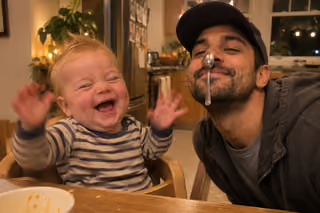
 Leo
 Added by Nana
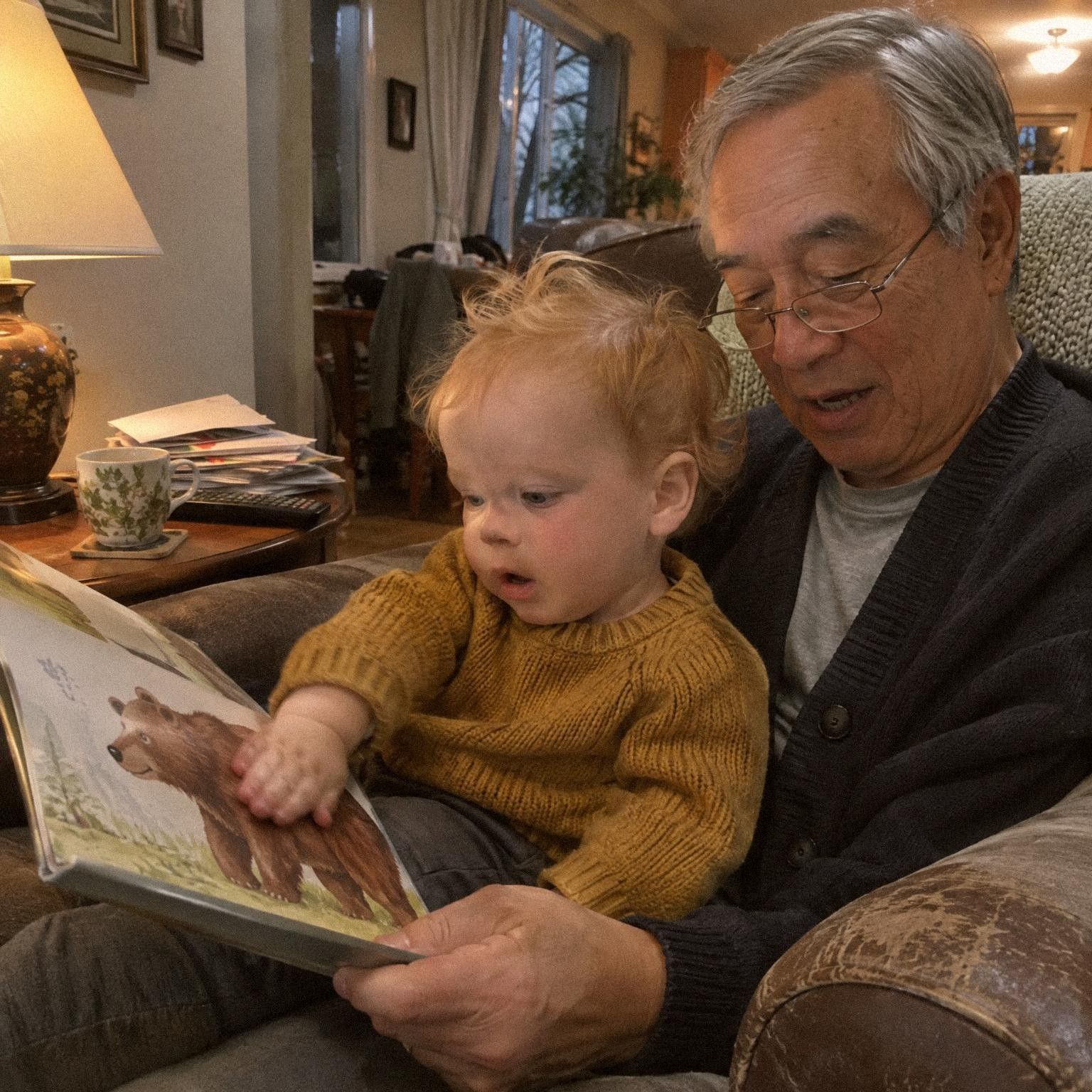

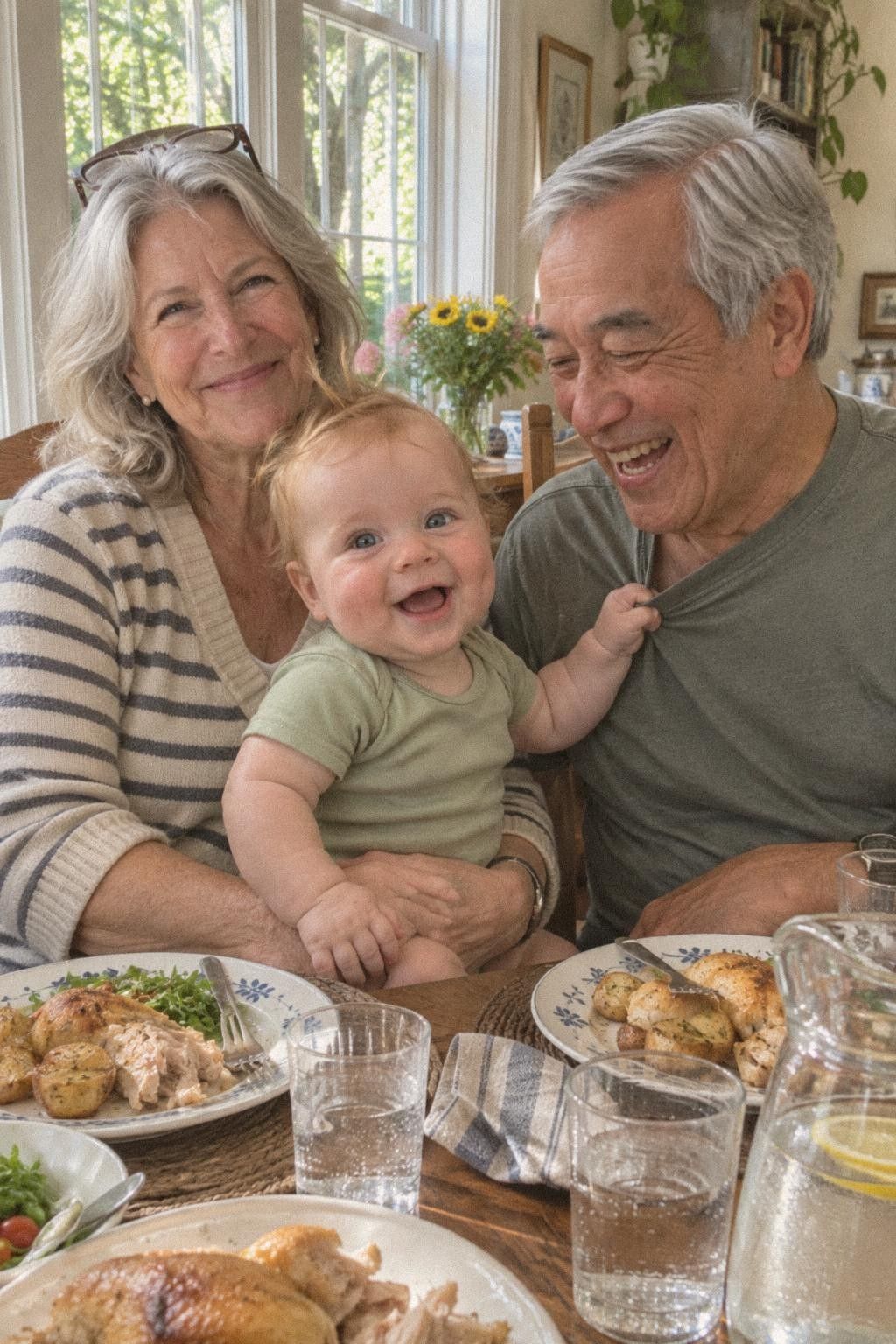
Two kinds of voice note
A voice note on its own is a memory of its own. Tap + and choose Voice, allow the microphone if the browser asks, and start talking. Tap Stop when you finish. Add a caption or change the date if you like, then tap Add memory. It joins your child’s timeline as a voice recording, on the day it was made, with their age.
A voice note on a photo or video tells the story behind it. While you add the photo, tap Add your voice. For a photo already in the timeline, open it and choose Add voice. Each photo or video holds one voice note. It plays from its own button, so a video keeps the sound it was filmed with.