



Skip to content

Feature

Baby firsts in one place, with their age on each one.

Mark a first smile, first steps or first word on any memory, or name a first of your own. Each child’s firsts gather in one list, newest first, with how old they were, the date and who added it. A month’s firsts lead its recap, and they can become a book.

A child’s firsts: First sentence at 1 year 5 months, First time at the sea at 1 year 3 months, First steps at 11 months and First word at 10 months, each with the date and who added it.

When it helps

The days you’ll want to find again.

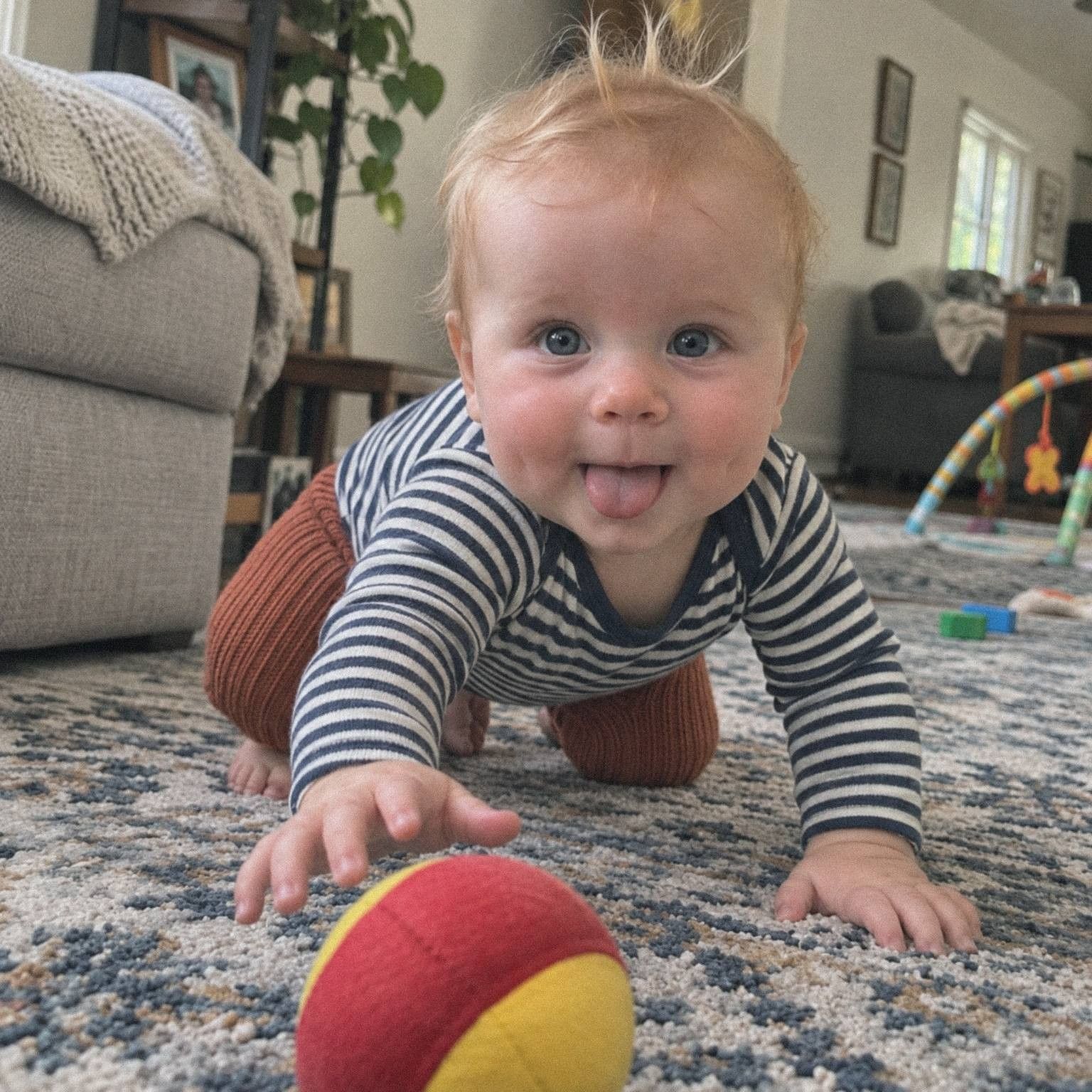
  • A baby in a striped top crawls across a rug toward a red and yellow ball, tongue out.

    Crawling, at long last

    Not every big day is a first. It still keeps their age that day.

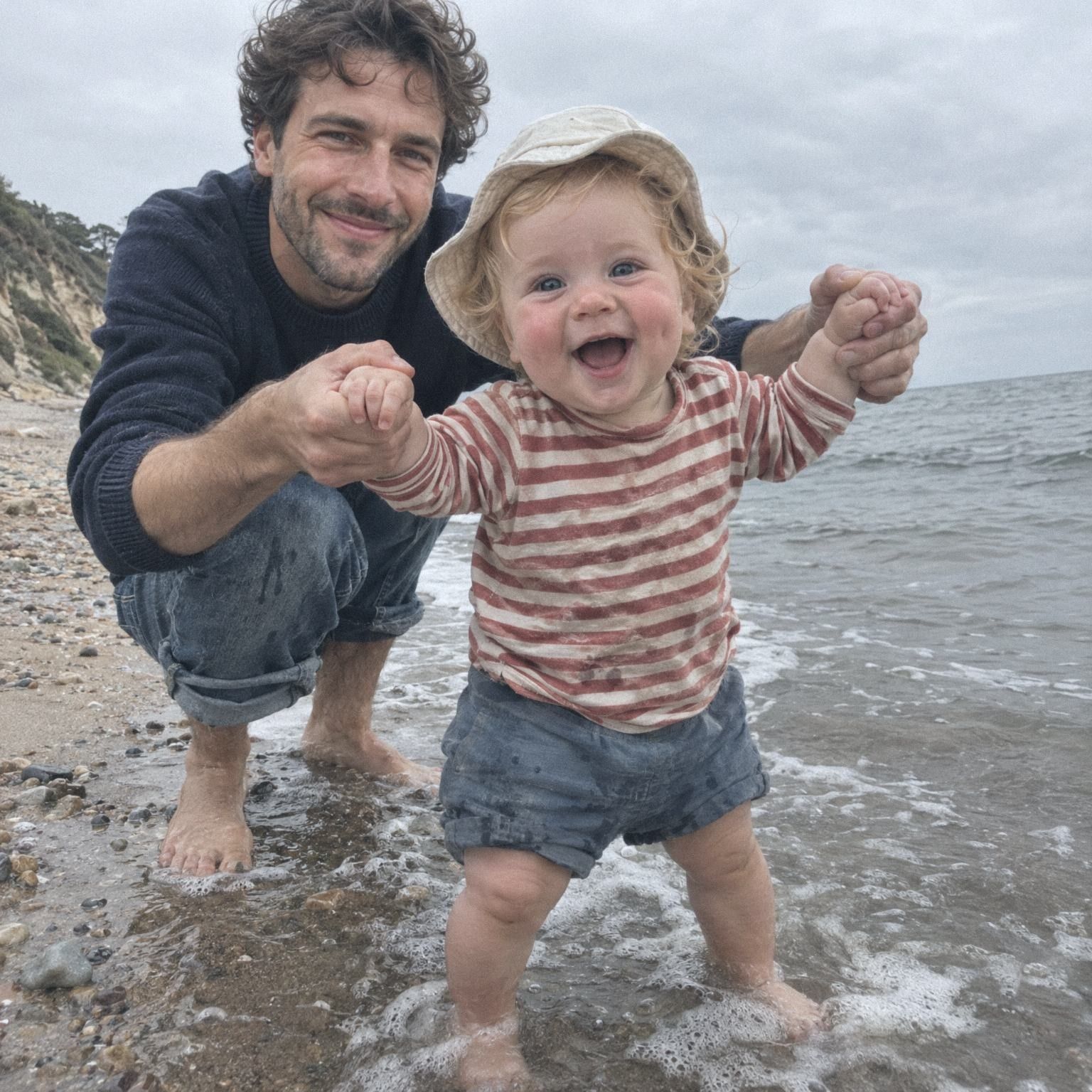
  • A father crouches in the waves and holds a laughing toddler’s hands at the edge of the sea.

    First time at the sea

    Any first you name keeps its date and age, and sits beside the ready-made ones.

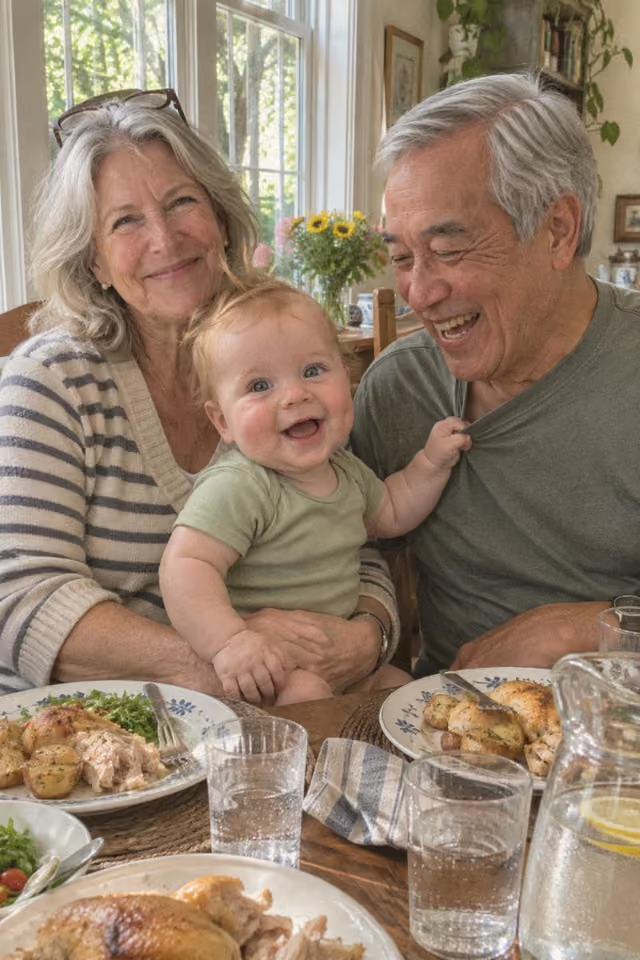
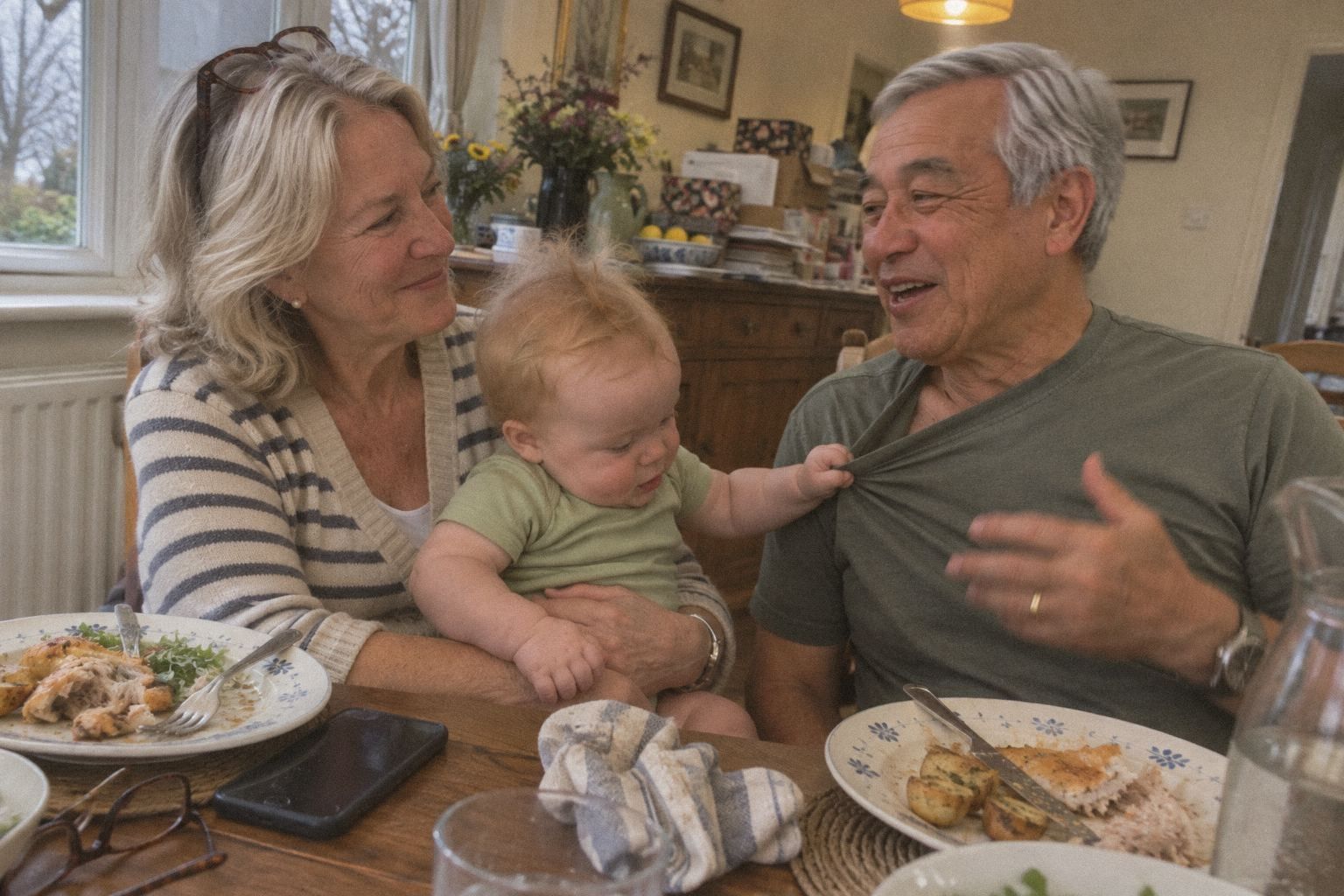
  • A baby on a grandmother’s lap tugs at a laughing grandfather’s T-shirt at the lunch table.

    A first at Grandma’s

    Family you invite can mark a first on the photos they added themselves.

How it works

Mark a first once, and it’s easy to find.

  1. Open the memory

    Open a photo, video, voice note or written memory and go to its details.

  2. Choose the first

    Under Is this a first?, choose First smile, laugh, steps, word, tooth or food, or Another first and name it.

  3. Find them together

    It gets a small star in the timeline and joins your child’s firsts, at the top of Albums.

In the app

From one memory to a list, a recap and a book.

  1. A photo of a baby’s first steps with Details open: Is this a first?, with First steps chosen among six firsts and Another first.
    Marking it as a firstSix firsts ready to tap, or Another first with your own name for it.
  2. January’s recap playing as a story: a photo marked A first this month, First steps, with Swap this one and See all 34.
    In that month’s recapWhen the month ends, its firsts lead the recap, marked A first this month.
  3. New book, step 1 of 3: A year, a child’s firsts, From an album, A stretch of time and Choose yourself.
    A book of their firstsMake a digital book from their firsts, one first to a page, to read in the app.

What to know

The details parents ask about.

  • Firsts belong to each child

    On a memory of two children, choose whose first it is. It can be a first for both, and shows in each one’s firsts.

  • Name a first of your own

    Besides the six ready-made firsts, add your own, like First swim, in up to 40 characters.

  • Their age on every first

    Each first shows the age it happened at, like at 11 months, as a newborn, or before birth.

  • A star in the timeline

    Firsts carry a small star in your child’s timeline, and you can filter the timeline to show only firsts.

  • Who can mark a first

    Parents, on any memory. Family you invite, on memories they added. Guests on a guest link can’t mark firsts.

  • Marked twice is fine

    Mark the same first again and TinyThen says when the earlier one was, and keeps both.

  • Firsts lead the recap

    When a month ends, its recap plays the month’s firsts before anything else.

  • A book of their firsts

    Make a digital book from a child’s firsts, one to a page, to read and share in the app like an album.

In detail

Marking, finding and sharing firsts.

How a first is marked, where it shows up, who can mark one, and what happens when you change your mind.

Each child keeps their own firsts

A first belongs to a child, not to the photo. On a memory of two or more children, Whose first? lets you choose which of them it is a first for. It can be a first for one, for both, or a different first for each, such as first steps for one and first laugh for the other.

Each child’s firsts page shows only their own. When a memory is a first for a brother or sister too, the page says so beside it.


The written memory “Brooks is tiny.” of Leo and Brooks on 9 September, with Whose first? set to Brooks: First day home joins Brooks’ firsts, and Leo’s list stays as it was.

The firsts page

Each child’s firsts gather at the top of Albums, on a card with the latest ones and how many there are. Open it for the whole list, newest first. Each first shows its photo or words, the first’s name, your child’s age in handwriting, the date and who added it. Tap one to open it, then step through the firsts one after another.

The age comes from your child’s birthday: at 11 months, as a newborn, or before birth for a scan. You can also filter the timeline to Firsts and see them in place among everything else.

The top of Albums: Leo’s firsts card with the latest firsts fanned out, 6 firsts and Latest: First sentence, above the album covers.

Who can mark a first

Parents can mark, change or remove a first on any memory, including one a guest added. Family you invite can mark firsts on memories they added themselves, until a parent reviews or edits that memory. Guests on a guest link cannot mark firsts.

Firsts are seen by the people who can see that child’s memories, and only on memories they can already see. Marking a first never shows a memory to someone new. Until a child has a first, the Firsts card only shows to people who can mark one.

Who can mark a first: a parent on any memory, Nana on her own memories until a parent reviews them, a guest never.

Marked twice, or changed your mind

Sometimes a first gets marked twice: once when a word sounds like a word, and again when it clearly is one. TinyThen allows that. If your child already has the same first, it tells you quietly, with the date of the earlier one, and keeps both. Firsts you name yourself are never compared.

To change a first, open the memory’s details and choose another. To remove it, tap the chosen first again. To rename a first you named, tap Another first and type the new name. The memory itself stays as it was.

First word chosen again, with the note Leo already has a First word, on 14 Dec 2025, and both first words kept in his list.

Firsts in recaps, questions and books

When a month ends, its recap takes the month’s firsts before anything else, and each one plays marked A first this month. A few weeks after a first, a journal question may ask how it is going now, such as what those first steps look like a month on.

You can make a digital book from a child’s firsts, one first to a page. Any book can also put a First stamp on each first and list every first with its date at the back. A written memory in the Milestone style shows the first’s name above its headline.

After first steps on 18 January: the January recap marks it A first this month, a question asks weeks later how the walk looks, and a book page carries a First stamp.

Marking a first

Open any memory: a photo, a video, a voice recording or a written memory. Go to its details and find Is this a first? Tap one of the six ready firsts: First smile, First laugh, First steps, First word, First tooth or First food. Tap it again to unmark it.

For anything else, tap Another first, type a name under What was it?, such as First swim, and tap Save. A name can be up to 40 characters. The memory then carries a small star in the timeline and joins your child’s firsts.

Yours to choose, and to keep

Firsts are the moments you decide to mark. TinyThen does not suggest which milestones to expect or check your child against a list. To see when the CDC milestone checklist ages fall for your baby, use the baby age calculator.

With Download everything, the index file names the first on each memory, so your child’s firsts stay labelled beside the original photos and videos, even outside TinyThen.

Questions

Questions

Something else? Write to hello@tinythen.com.

Which firsts can I mark?

First smile, first laugh, first steps, first word, first tooth and first food are ready to tap. For anything else, choose Another first and name it, like First swim or First haircut.

Where do I find my child’s firsts?

At the top of Albums, where the Firsts card opens the list, newest first. You can also filter your child’s timeline to show only firsts.

Can one memory be a first for two children?

Yes. On a memory of several children, choose whose first it is. It can be a first for one, for both, or a different first for each.

Can I change or remove a first?

Yes. Open the memory’s details and tap the chosen first to remove it, or choose another. Your own first can be renamed.

Do firsts show in the monthly recap?

Yes. A monthly recap takes the month’s firsts before anything else, and each one is marked A first this month while it plays.

Does TinyThen tell me which milestones to expect?

No. Firsts are the moments you choose to mark, not a development checklist. To see when the CDC milestone checklist ages fall for your baby, use the baby age calculator.

Can grandparents mark a first?

Yes, on memories they added themselves, until a parent reviews or edits them. Parents can mark a first on anything, including a guest’s photo. Guests on a link cannot mark firsts.

What if we mark the same first twice?

That’s allowed. TinyThen tells you your child already has that first and on which date, and keeps both. You can remove either one from the memory’s details.

Who sees my child’s firsts?

The people who can see that child’s memories see the firsts among them, and only those. A first never shows someone a memory they couldn’t already see.

Keep reading

Start their story with the family.

Join the waitlist for 20% off your first year. We’ll write once, when the 30-day trial is ready for your family.

TinyThen is in development. We’ll email once to confirm and send your code, then only when the trial is ready. Leave any time.