


Skip to content

Feature

A question about your child, now and then, for the family to answer.

Every week, every two weeks or once a month, TinyThen asks you one question about each child, chosen for their age from our own list, without AI. It arrives by email and at the top of your child’s memories. Answer with your voice, a few words, a photo or a short video, and the answer becomes a memory with the question as its title. Grandparents can get questions too.

The top of a child’s memories in TinyThen: a card headed A question for you asks what he points out and names on a walk, notes that his other parent answered, and offers Record, Write, and Photo or video.

When it helps

The stories nobody thinks to write down.

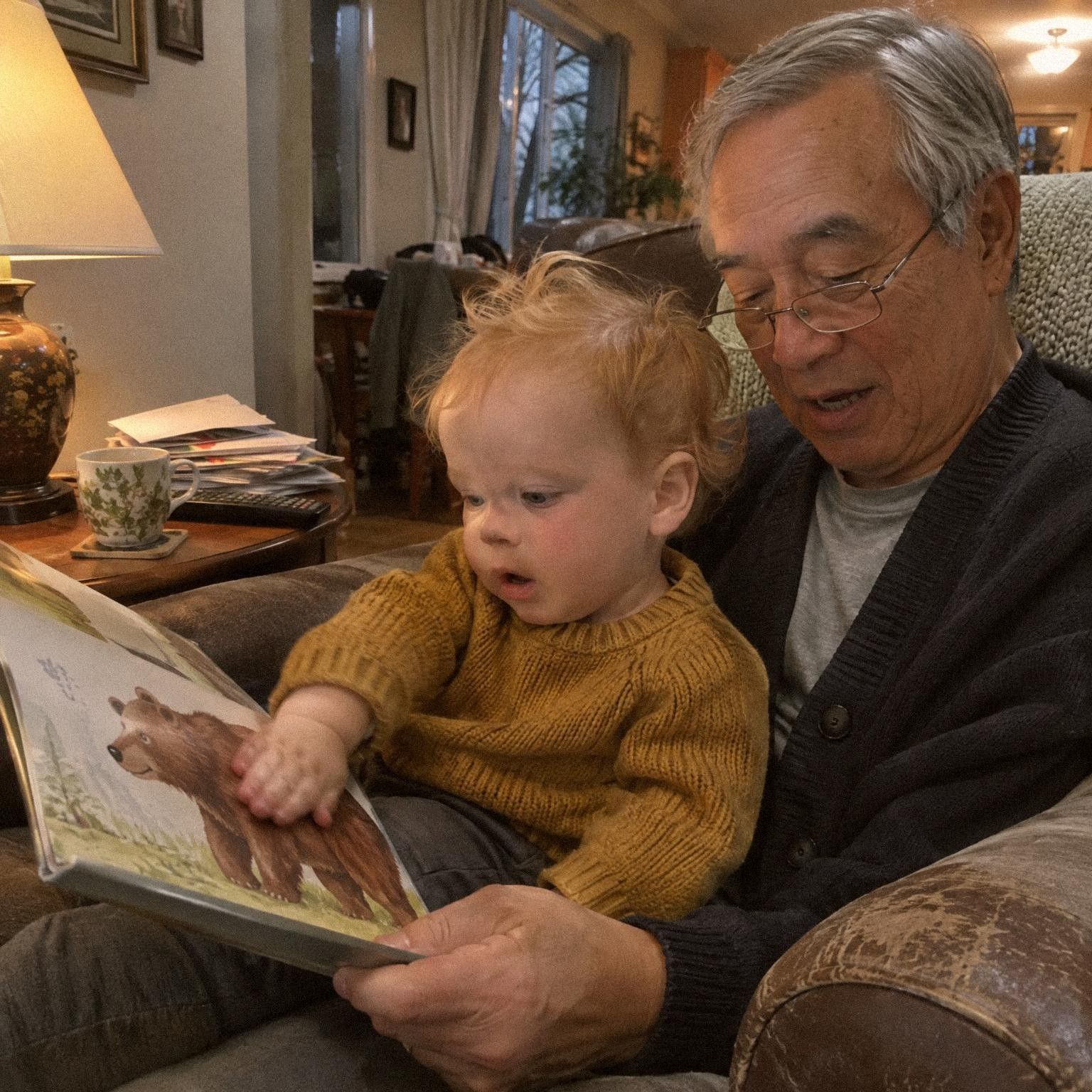
  • A grandfather in glasses reads a picture book about bears to a toddler in a mustard jumper on his lap.

    The book they read most

    Asked about bedtime at his house, Grandpa can answer with a photo and his voice.

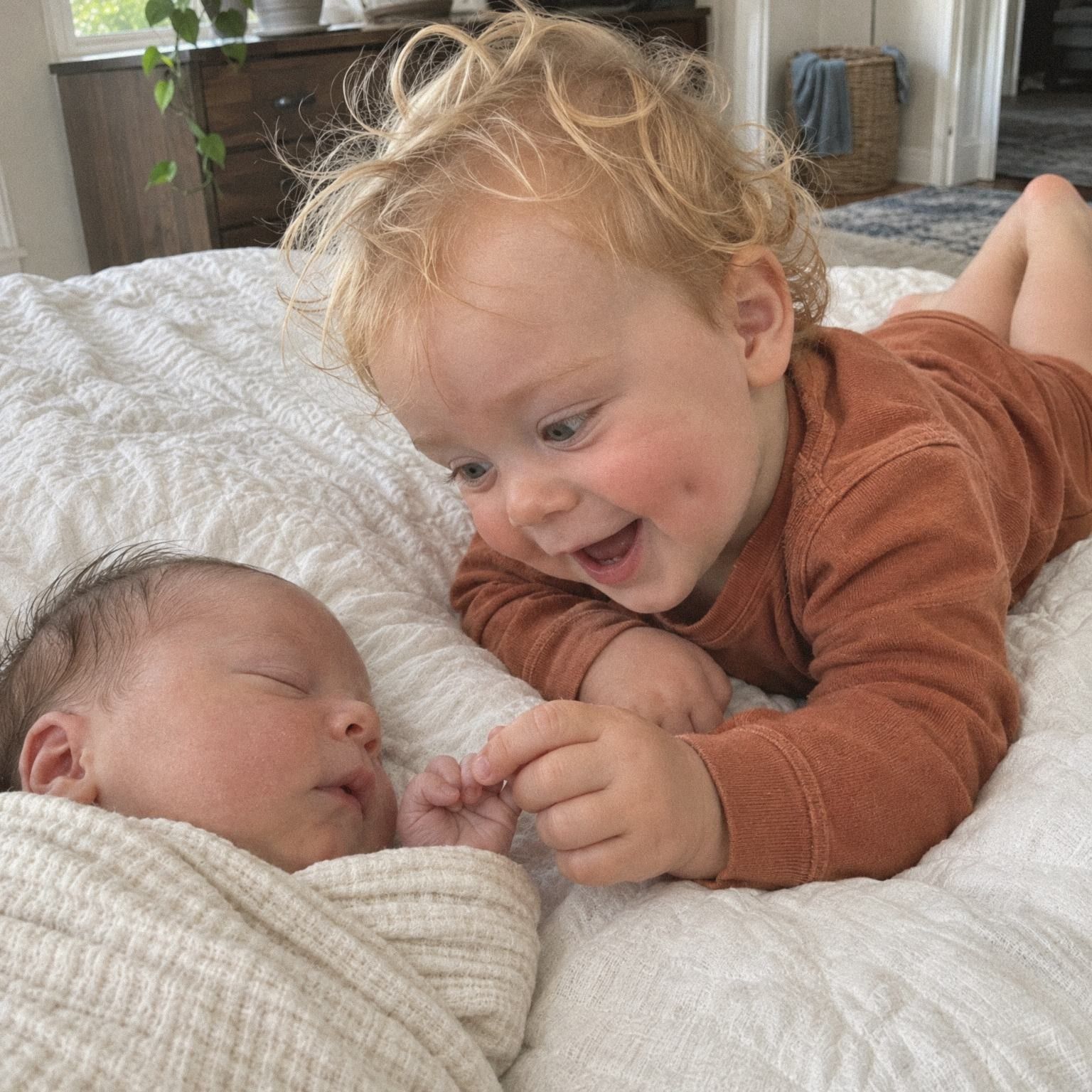
  • A curly-haired toddler lies on a bed beside a sleeping newborn and holds the baby’s tiny hand.

    A new little brother

    With two children, some questions ask how they are alike and how they differ.

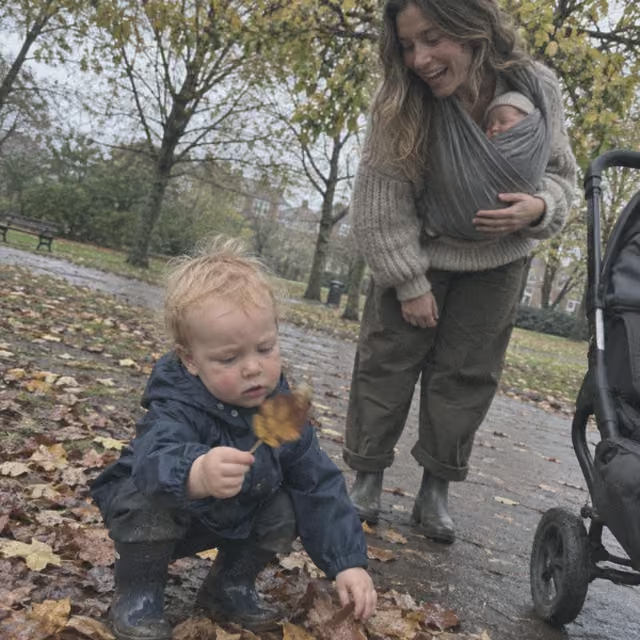
  • A baby in a white T-shirt takes wobbly steps toward his laughing mother’s open arms in a living room.

    Weeks after a first

    Mark first steps, and a few weeks later a question asks what that walk looks like now.

How it works

A question arrives, you answer, it joins their story.

  1. A question arrives

    On Sunday morning, one question for each child comes by email and waits at the top of their memories.

  2. Answer how you like

    Record your voice, write a few words, or add a photo or a short video. Or reply to the email.

  3. It joins their story

    The answer becomes a memory of that child with the question as its title, in the timeline.

  4. Tune it as you go

    Not now, Skip or Not for our family on any question. Parents set how often and who gets questions in Family settings.

In the app

A question, an answer, and the settings.

  1. A voice memory from a grandmother at 1 year 9 months, with the question it answers shown above the player.
    Her answer, in the storyHer voice answer sits on that day with the question above it and the age.
  2. Questions settings: Questions on, How often set to Every week on Sunday mornings, two parents and a grandmother switched on, and the kinds of questions.
    You, in Family settingsChoose how often questions come, who gets them and which kinds.

What to know

What to know about journal questions.

  • Picked for their age

    Questions follow your child from pregnancy into the school years, and draw on what you added, such as their Firsts or a new sibling.

  • Chosen without AI

    TinyThen chooses each question on its own server from its own list. None of your child’s details are sent anywhere to do it.

  • Grandparents can answer

    Parents get questions by default. Tick anyone else who may add memories, and set their relationship so their questions fit them.

  • Skip one, or save it

    Not now brings a question back with the next ones. Skip asks another straight away. Earlier questions wait quietly, with no count.

  • Turn off what doesn’t fit

    Parents can turn off a whole kind, such as pregnancy or birth story questions, for the family.

  • Eight weeks to answer

    An unanswered question stays open for eight weeks, then quietly goes. Nothing piles up.

  • In the app or by email

    Tap Record, Write, or Photo or video on the card, or simply reply to the question email.

  • Answers in their books

    In a digital book, an answer reads as its own question-and-answer page.

In detail

How questions are chosen, sent and answered.

The schedule, how a question is picked for your child, the ways to answer, and the settings parents control.

When questions come

Questions come on Sunday at 9 in the morning, in your family’s time zone. By default that is every week. Parents can choose every two weeks, or once a month on the first Sunday. Each person gets one email with a question about each child they get questions for. The same questions wait on a card headed A question for you, at the top of each child’s memories.

An unanswered question stays open for eight weeks, then quietly goes. Nothing piles up and there is nothing to catch up on. If an older question is still open, Earlier question under the card shows it.

The Sundays of November 2026 at 9:00, with questions every Sunday for Every week, every second Sunday for Every two weeks and the first Sunday for Once a month, and a question asked on 8 November staying open for 8 weeks until 3 January.

How a question is chosen

Every question comes from TinyThen’s own list of over 400 questions. TinyThen picks one for each child on its own server, from what you already gave it: their age, the Firsts you marked, the season where you live, their brothers and sisters, and how long since the last memory. Nothing about your child is sent to an AI service, or anywhere else, to choose it.

A question tied to a moment that will not come back, like a birthday or a first, goes before one that can wait. TinyThen also mixes the kinds, so you rarely get the same sort of question twice in a row.

Leo’s age, his brother Brooks, the season, his Firsts and his last memory going into TinyThen’s own list of 440 questions, chosen on its server without AI, and out comes the question What does Leo do when Brooks cries?

Questions that grow with your child

Questions start about 20 weeks before the due date, if you add your child before birth, and run to around school age. Some fit any age and carry on after that. In the weeks before a birthday, questions look ahead to it. A few weeks after you mark a first, a question may ask how it is going now.

Season questions come at the start of a season where you live. Celebration questions never name a particular holiday. With two children, some ask how they are alike or what they do together. When your child’s story has been quiet for three weeks, smaller and easier questions come instead.

Questions about Leo as he grows: a pregnancy question before birth, his best time of day at 3 weeks, his first autumn at 7 months, three moments from his first year at 1 year, and his walk a few weeks after his first steps at 1 year 1 month.

Answering by email

Every question email has an Answer button that opens the question in TinyThen. You can also simply reply. With one question in the email, your reply answers it. When the email has questions about several children, each has its own Answer by email link, so your reply finds the right one.

Write a few words, or attach photos, a short video or a voice recording. Words on their own become a written memory. Reply to add memories explains what an email reply can carry.

An email headed Questions about Leo and Brooks with one question for each child, each with Answer and Answer by email, and a reply in words to the question about Brooks.

Skipping, saving and turning things off

Open the menu on the question card. Not now brings the question back once, with the next questions, while it still fits your child’s age. Skip, ask another shows a new question straight away, up to three times for each child per round.

Parents also see Not for our family, which turns off a whole kind for everyone: Pregnancy, Birth story, Brothers and sisters, Celebrations or The parents as children. Kinds can be turned on again in Family settings under Questions, where parents also turn questions on or off for the family. Anyone can stop their own questions with Stop sending me questions at the bottom of the email.

The menu on a question about Leo and Brooks: Not now brings it back once, Skip, ask another gives a new one up to three times a round, and Not for our family, for parents, stops brothers and sisters questions, with the note It will come back with the next questions.

Answering in TinyThen

On the question card, choose Record, Write, or Photo or video. The way that suits the question best comes first. A recording becomes a voice note, words become a written memory, and several photos can answer one question. You can tap Speak and say a written answer instead of typing it.

The answer becomes a memory of that child, with the question above it as its title. If the question names a brother or sister you also add for, the answer belongs to both. Answers follow the same approval setting as everything else you add, so a relative’s answer may wait in To review.

Two parents, and the rest of the family

All parents of a child get the same question. Either of you can answer, and the other sees who answered and can still add an answer of their own. A person is not asked the same question twice about the same child, apart from a few yearly ones such as a birthday question. Twins never get the same question in the same week.

Other family get questions once a parent switches them on, if they may add memories to your child’s timeline. Their questions come from a separate set for relatives. Set someone’s Relationship in Family, such as grandparent, and their questions fit them. A grandparent who says whose parent they are can be asked what that parent was like at your child’s age.

Answers in the timeline, books and downloads

In the timeline, the question shows above the answer for everyone who can see it, with your child’s name filled in. In a digital book, an answer reads as a question-and-answer page.

With Download everything, the question stays with its answer. A written answer’s text file starts with the question, and the index file lists the question beside every memory that answers one. So the stories keep their questions even outside TinyThen.

Questions

Questions

Something else? Write to hello@tinythen.com.

Does TinyThen use AI to choose the questions?

No. Questions come from TinyThen’s own list and are chosen on our server from what you already gave us: your child’s age, their Firsts, the season where you live and their brothers and sisters. None of your child’s details are sent to an AI service to choose a question.

How often do questions come?

Every week on Sunday morning unless a parent changes it. Parents can choose every two weeks or once a month, or turn questions off, in Family settings under Questions. Answer journal questions shows each setting.

Can grandparents get questions too?

Yes, if they may add memories to your child’s story and a parent switches them on under Who gets questions. Set their relationship in Family, and a grandparent can also get questions about you at your child’s age, such as what you were like at 21 months. For a visit, our questions to ask grandparents make a printable list.

Do both parents get the same question?

Yes. Either of you can answer, and the other sees who answered and can add their own answer too. A person is never asked the same question twice about the same child.

Can I answer by replying to the email?

Yes. Reply to an email with one question and your reply answers it. With several children, each question has its own Answer by email link. You can also tap Answer and record, write or add photos in TinyThen.

Do we get questions while we’re still expecting?

Yes. Add your baby with a due date and pregnancy questions start about 20 weeks before it. Parents can turn off Pregnancy and Birth story questions. If the due date passes, questions wait until a parent sets the birthday.

How long can I answer a question?

Eight weeks. After that it quietly goes, with no count of missed questions. An older question still open shows under Earlier question on the card.

Who can see my answer?

Everyone who can see that child’s memories, like any memory. If what you add waits for a parent’s approval, your answer waits in To review first.

What if a question doesn’t suit us?

Tap the menu on the question. Not now brings it back with the next questions, and Skip, ask another gives you a new one at once. Parents can choose Not for our family to stop a whole kind, such as pregnancy or birth story questions.

Keep reading

Start their story with the family.

Join the waitlist for 20% off your first year. We’ll write once, when the 30-day trial is ready for your family.

TinyThen is in development. We’ll email once to confirm and send your code, then only when the trial is ready. Leave any time.