



Skip to content

Feature

A digital baby book, made from the memories you already keep.

Choose a year, their firsts, an album, a stretch of time or memories one by one. TinyThen lays out the whole book at once, with your child’s age on the pages and voice notes that play. You read it and share it in the app. Books are digital and are not printed.

Books in TinyThen: a child’s first-year book with a cloth cover, a gold title and a photo, with Open and Share, and three more books on the shelf.

When it helps

A book for the stretch you want to keep.

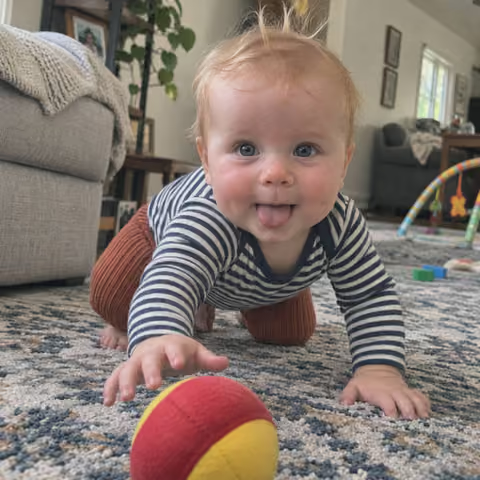
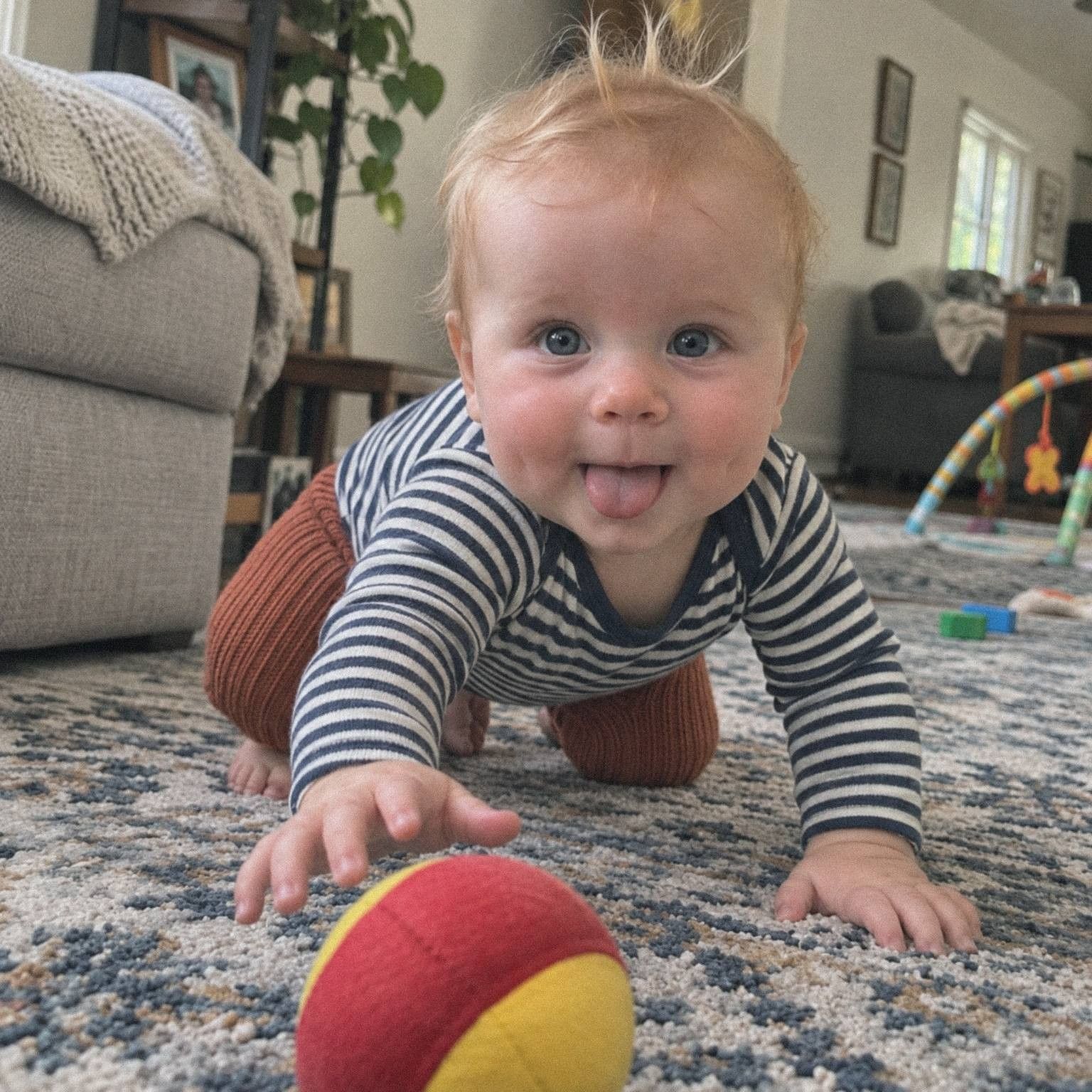
  • A baby in a striped top crawls toward a red and yellow ball on a rug, tongue out.

    Their first year

    A yearly book runs birthday to birthday and adds a chapter as each month ends.

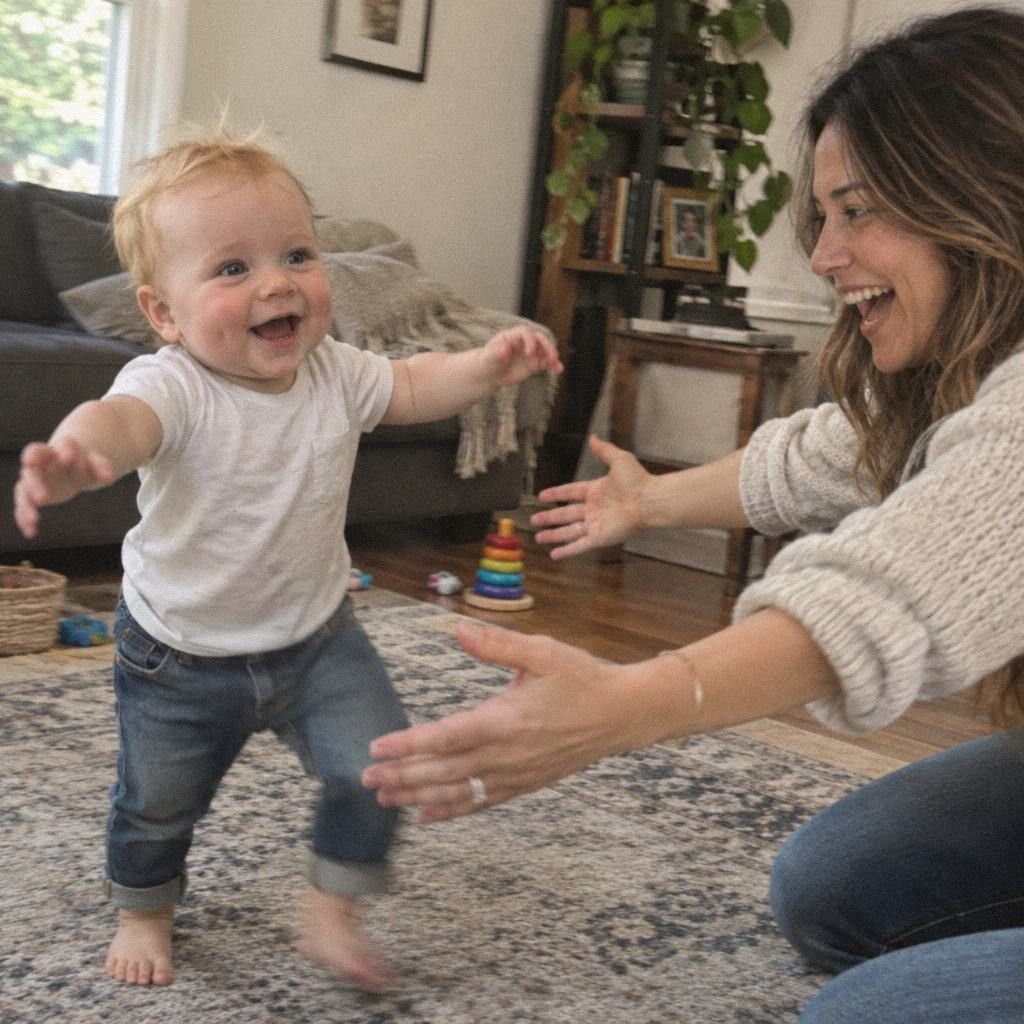
  • A barefoot baby walks across a living room rug toward his mother’s open hands.

    All their firsts

    Every first gets its own page, with the date and a small First stamp.

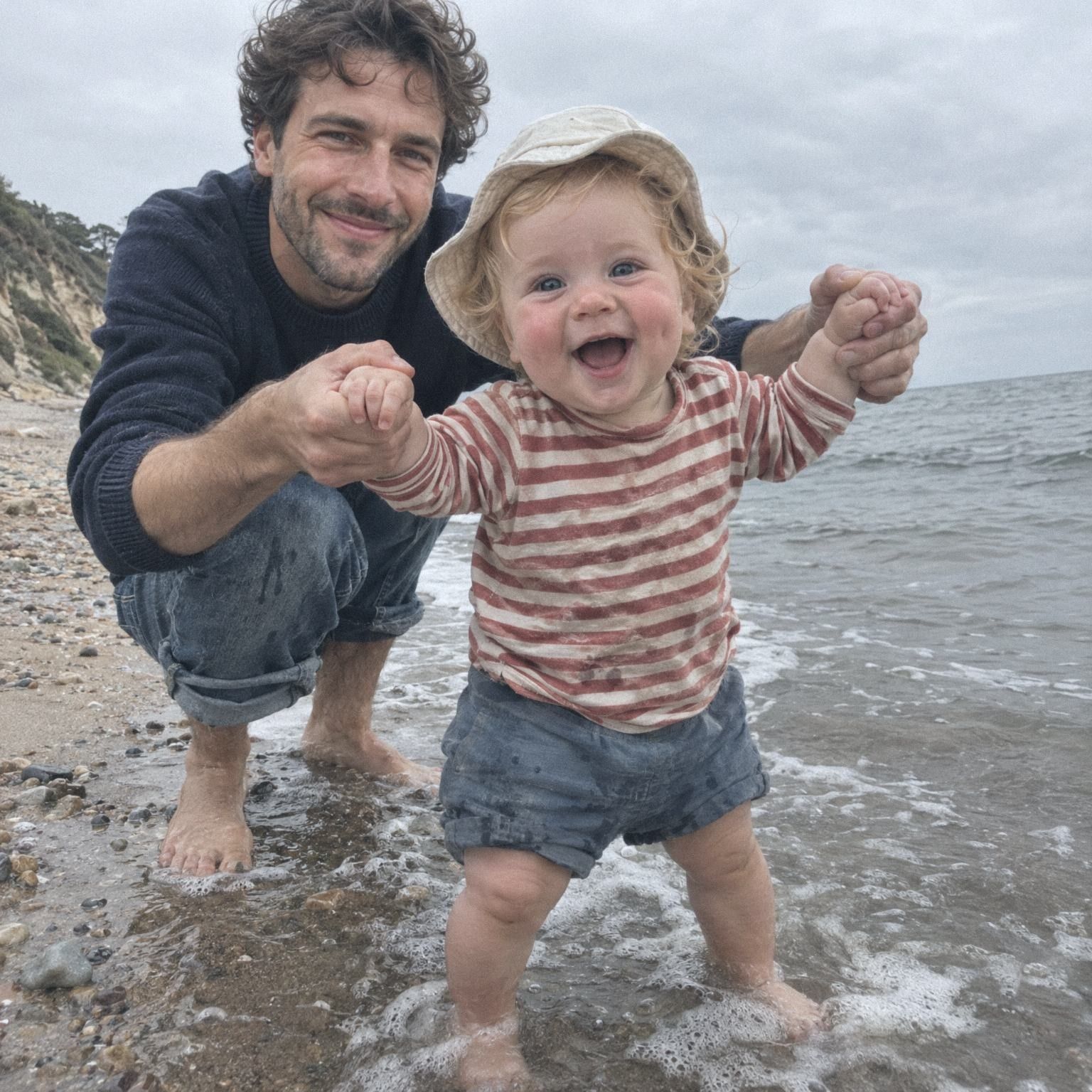
  • A father crouches in the waves and holds a laughing toddler’s hands at the edge of the sea.

    One week away

    Choose a stretch of time, like a week by the sea, and the book covers just that.

How it works

Four steps to a finished book.

  1. Choose the kind

    On your child’s Albums tab, tap New book. Choose a year, their firsts, an album, a stretch of time, or Choose yourself.

  2. Pick the memories

    TinyThen gathers them. Pick the best makes a short, medium or long book, of about 20, 40 or 80 pages, or keep everything.

  3. Choose the look

    Five page looks, three shapes, a cover and a title. Tap Make the book, and every page is laid out at once.

  4. Read, change, share

    Turn the pages or play it as a slideshow. Change any page with Edit, then share it with family.

In the app

Make it, read it, share it.

  1. New book, step one of three: What kind of book? A year, Firsts, From an album, A stretch of time, Choose yourself.
    You, making a bookStart from a year, their firsts, an album, a stretch of time or your own picks.
  2. A book page in the reader: a baby’s first steps with a First stamp, a handwritten caption, a voice note and his age at the foot of the page.
    Reading itTurn the pages, or let Slideshow turn them and play the voice notes and videos in order.
  3. Sharing a book: who sees it, a viewing link, New viewing link and Invite someone to this book.
    Sharing itShare it with people in the family or with a viewing link. They see the pages and nothing else.

What to know

What to know about books.

  • Digital, read in the app

    Books are read and shared in TinyThen. They are not printed, and paper copies can’t be ordered.

  • A yearly book fills itself

    Each child’s year runs birthday to birthday. When a month ends, its chapter is added from that month’s memories.

  • Change any page you like

    Change the layout, swap or crop a photo, add words or stickers. Every change saves, with undo.

  • Made from their story

    A book holds memories already in your child’s story. To use a new photo, add it as a memory first.

  • Parents make the books

    Parents make, edit and share books. Family who see all of a book’s children can read it, and others once you share it.

  • A check before sharing

    If a book shows a child someone can’t see yet, TinyThen asks you before they get access.

  • Voices on the page

    Voice notes and videos play from the page, and Slideshow plays them in order as the pages turn.

  • Ages and firsts on every page

    Each page shows how old your child was then, and every first can carry a small stamp.

In detail

Everything a book can do.

A book is made from memories already in your child’s story. It takes a minute to make, and you can keep changing it for as long as you like.

Choosing the memories

The second step shows the memories the kind found, with filters for Firsts, With words, With voice, Photos and Videos. Tick or untick any of them.

When there are many, Pick the best chooses for you, at Short (about 20 pages), Medium (about 40), Long (about 80) or Everything. Bursts of similar photos become one picture, and firsts, words and voices come first. A book only uses memories already in your child’s story, so add a new photo as a memory first. Tap Make it now to use the standard look, or go on to choose your own.

The Memories step: 88 memories on 40 pages, Length set to Medium, the Show filters, ticked memories, and four photos taken seconds apart kept as one.

The look

The third step sets the look, with a live preview of the cover and an open spread. Pages come in five looks: Clean, Scrapbook, Classic, Modern and Storybook. There are three shapes, square, landscape and portrait, and three page finishes, Matte, Soft sheen and Glossy, for how light falls on the pages on screen.

The cover takes a title and a subtitle of up to 60 characters each, a cover picture, a material such as linen, canvas, leather or photo, a colour, a title finish, a ribbon and endpapers. Inside, choose chapters by month or by age, ages on pages, First stamps, page numbers, the firsts at the back and a page with everyone who added memories. Add a dedication after the cover and a letter to your child at the end if you like.

The five page looks, Clean, Scrapbook, Classic, Modern and Storybook, with Shape set to Square and Page finish set to Soft sheen.

Changing any page

Parents tap Edit to open any page. Change its layout, from one to six photos or words alone. Swap, crop or zoom a photo, add a frame or a filter, write words in several styles or add stickers. Arrange freely lets you move, size and turn anything by hand.

You can add, duplicate, delete or Move to… pages, and Lay out again tidies a page or a whole chapter. Photos you take off a page wait under Not on a page, and Add more memories brings in others from your child’s story. Every change saves as you go, with Undo and Redo. Words, crops and filters on a page belong to the book, and the memory itself stays as it was.

Editing a page: the page tools, a page of three photos, its layouts from one to six photos, Arrange freely, Undo and Redo, and two photos waiting under Not on a page.

The yearly book

Each child can have one book for each year of their life, birthday to birthday. A parent taps the yearly book on the shelf to start it, and it gathers the months that have already ended. After that, each month that ends becomes a chapter the next time a parent opens Albums. A chapter holds the memories from that month’s recap, so a month with fewer than eight memories adds none by itself.

Pages you’ve changed are never laid out again, and new months go in after them. Yearly books need your child’s birthday, and each year shares one cover colour so the series matches on the shelf. For an earlier year, choose A year in New book and pick which one.

Leo’s second year, from one to two: chapters for February to October except a quiet August, November added when it ends, and December and January to come.

Deleted memories and deleted books

If a memory in a book is deleted, readers see the page without it. Parents see an empty frame in the editor marked This memory was deleted. While it’s in Recently deleted, Restore puts it back, or Choose another fills the place with a different photo.

Deleting a book moves it to Recently deleted for 30 days, for everyone. A parent can restore it there with its pages and sharing as they were. Its memories stay in the timeline and in their albums. Books can’t be printed or downloaded as a book. The photos in them are your child’s memories, and Download everything saves those as originals.

A page after a memory is deleted: readers see the other two photos laid out again, and parents in Edit see the empty place with Restore and Choose another.

Five kinds of book

Books stand on a shelf at the top of your child’s Albums tab. Tap New book and choose what it covers. A year runs from one birthday to the next. Firsts gives every first its own page. From an album turns one of your albums into a book. A stretch of time covers the dates you set, with quick choices for Last month, Last 3 months, This year and Last year. Choose yourself lets you pick memories one by one.

TinyThen gives the book a name from its kind, such as Summer 2026 for a stretch of time. You can change the title whenever you like.

Reading a book

Open a book from the shelf to read it. Book shows the book in 3D, with pages that turn. Pages shows the same pages flat. Slideshow turns the pages by itself and plays the voice notes and videos on each spread in order before it moves on.

Each page shows how old your child was, and firsts carry a small stamp. You can zoom in, go full screen and change the reading settings, such as the table the book lies on and daylight or lamp light. On a device that can’t show the 3D book, it opens in Pages.

Who sees a book

Parents see and edit every book. Family members who see the whole family, or every child a book is about, can read it too. Anyone else sees a book once you share it. Tap Share in the reader to give someone access, or add the book to a viewing link for people without an account. Invite someone with Only some albums and books to share just that book.

People who aren’t parents only see memories they’re allowed to see. A page leaves out anything else and lays itself out again. If sharing a book would show someone a child they can’t see yet, TinyThen asks you first.

Questions

Questions

Something else? Write to hello@tinythen.com.

Can I print a TinyThen book?

No. Books are digital: you read them and share them in TinyThen. Printed books aren’t offered.

Can I download a book?

Not as a book. The photos, videos and voice notes in it are your child’s memories, and you can download all of them as originals with Download everything.

How is this different from a paper baby book?

You fill in a paper baby book by hand, page by page. A TinyThen book is made from the memories you and your family already added, with your child’s age on the pages and voice notes and videos that play. A yearly book adds each month by itself. It stays digital and can’t be printed.

Who can see a book?

Parents see every book. Family who see the whole family, or every child in a book, can read it too. Anyone else sees it once you share it, by inviting them to it or with a viewing link for people without an account. They see what’s on its pages, and nothing else.

Can grandparents make or edit a book?

No. Only parents make, edit and share books. Grandparents read the books they can see, and can play them as a slideshow.

Does changing a page change the memory?

No. Crops, filters and captions on a page belong to the book. The memory in your child’s story stays as it was.

How does the yearly book grow?

It covers your child’s year from birthday to birthday. When a month ends, a chapter is added from that month’s recap the next time a parent opens Albums, and you can change those pages like any other.

How long can a book be?

Pick the best aims for about 20, 40 or 80 pages, or Everything keeps every memory you chose. You can add more memories and pages later.

What happens if I delete a book?

It goes to Recently deleted for 30 days, where a parent can restore it. The memories in it are never deleted with the book.

Keep reading

Start their story with the family.

Join the waitlist for 20% off your first year. We’ll write once, when the 30-day trial is ready for your family.

TinyThen is in development. We’ll email once to confirm and send your code, then only when the trial is ready. Leave any time.